Restore Functionality Before Downtime Affects Operations
Printer Repair Services in Oak Park for equipment experiencing jams, connectivity failures, or output quality problems
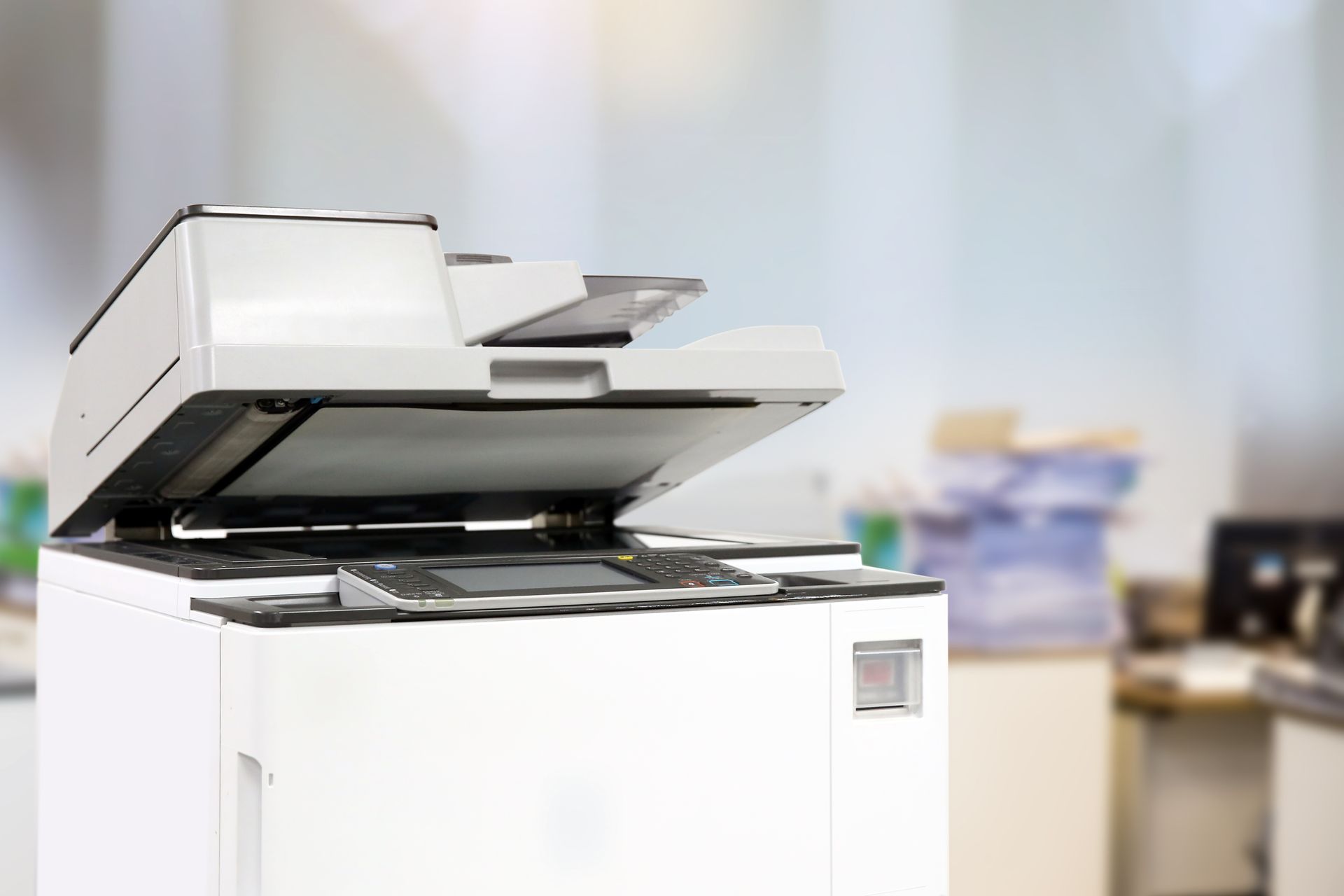
Printer malfunctions often start as minor annoyances—occasional paper jams, faint output, or intermittent network drops—before escalating into complete failures that halt document production. Delaying repairs allows small issues to damage additional components, turning a simple fix into a costly replacement situation. Oak Park Copiers provides printer repair services in Oak Park to address performance problems through diagnostics, parts replacement, and calibration, restoring equipment to reliable operation before productivity losses accumulate.
The repair process begins with troubleshooting to identify the root cause, which may involve worn rollers causing paper jams, depleted imaging drums producing faded output, or corrupted firmware preventing communication with computers. Technicians test each subsystem to isolate the failure point, then determine whether the issue can be corrected through cleaning, adjustment, or component replacement. Repairs are completed on-site when possible to minimize equipment downtime.
Request printer repair assistance to receive diagnostic service and an estimate based on the specific issue affecting your equipment.
How Repair Service Addresses Common Printer Problems
Most printer failures fall into three categories: mechanical issues like jams and feed errors, output quality problems such as streaking or fading, and connectivity failures that prevent print jobs from reaching the equipment. Mechanical problems often stem from worn pickup rollers or separation pads that no longer grip paper properly, causing sheets to misfeed or jam in the paper path. Output quality degradation typically results from depleted toner, dirty imaging components, or misaligned printheads. Connectivity issues may involve network configuration changes, driver conflicts, or failed communication boards inside the printer.
After completing the repair, you will notice the printer feeds paper consistently without jams, prints pages with uniform density and no streaking, and responds reliably when staff send jobs from their computers or mobile devices. Oak Park Copiers replaces worn components with manufacturer-specified parts to ensure compatibility and longevity, and technicians clear any error codes or firmware issues that could trigger future failures. The service includes testing multiple job types—single pages, multi-page documents, and duplex printing—to confirm the equipment operates correctly under normal use conditions.
For businesses relying on aging equipment, repair service may include recommendations about which components are likely to fail next based on usage patterns and wear indicators. This information helps you decide whether to invest in additional repairs or plan for equipment replacement before a complete failure disrupts operations unexpectedly.
What Property Owners Usually Ask
Businesses experiencing printer problems in Oak Park often ask about repair timelines and how to determine whether repairing existing equipment makes more sense than replacing it entirely.
How long does printer repair typically take?
On-site repairs for common issues like replacing rollers, clearing jams, or reconfiguring network settings usually take one to two hours, while more complex problems requiring board replacement or extensive disassembly may take a full day or require the equipment to be transported to a service facility.
What are the most common printer problems?
The most frequent issues involve paper feed failures caused by worn pickup rollers, poor output quality from depleted imaging drums or toner, and network connectivity problems resulting from IP address conflicts or outdated drivers, and these account for more than 70 percent of service calls.
When should a printer be replaced instead of repaired?
Replacement makes more sense when repair costs exceed 50 percent of the equipment's current value, when the model is discontinued and parts are no longer available, or when the printer lacks features needed for current workflow requirements.
Can preventive maintenance reduce repair frequency?
Scheduled maintenance that includes cleaning paper paths, replacing wear items before they fail, and updating firmware reduces emergency repair calls by addressing issues before they cause breakdowns, and Oak Park Copiers offers maintenance plans for businesses that depend on consistent printer availability.
What happens if the same problem recurs after repair?
If an issue returns shortly after service, Oak Park Copiers investigates whether the initial diagnosis missed an underlying cause, such as environmental factors like humidity affecting paper handling or electrical problems causing component failures, and corrects the root issue at no additional charge for the original repair.
Oak Park Copiers services all major printer and copier brands, including models from Epson, HP, Canon, Ricoh, and Xerox, and maintains an inventory of common replacement parts to expedite repairs. Contact us to schedule diagnostic service for equipment experiencing performance issues, or to arrange preventive maintenance that reduces the likelihood of unexpected failures.